
This document provides a detailed user guide for the GZ-HM350, GZ-HM330, and GZ-HM300 camcorders, including getting started, charging, recording, playback, shooting tips, and useful shooting techniques.
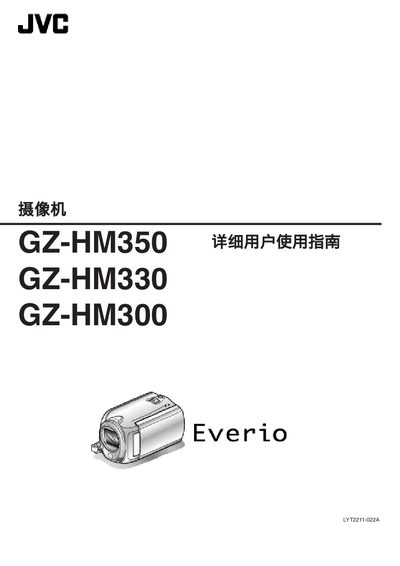
This manual covers everything needed to operate the GZ‑HM350, GZ‑HM330 and GZ‑HM300 camcorders, including setup, battery charging, SD‑card insertion, recording modes, playback functions, and menu settings. It also provides guidance for shooting in various situations such as weddings, travel, and holidays.
Technical specifications, connectivity options (HDMI, component, AV, USB), and maintenance procedures are detailed in later sections, along with troubleshooting tips and safety warnings. This manual is written in Chinese.
| Power consumption (HM350/HM330) | 2.7 W |
|---|---|
| Power consumption (HM300) | 2.6 W |
| Dimensions (mm) | 52 × 62 × 110 |
| Weight (camera only) | ≈220 g |
| Image sensor (HM350/HM330) | 1/4" 3,320,000 pixels CMOS |
| Optical zoom (video) | up to 30× |
| LCD monitor size | 2.7 inches |
| Recording format | AVCHD, AVC/H.264 video, Dolby Digital audio |
Connect the AC adapter to the camcorder; recording cannot be done while the battery is charging.
The manual lists the compatible SD‑card types for each model in the SD‑card insertion section.
Adjust the clock to the local time as described in the travel section of the manual.