
Key facts
- Brand
- JVC
- Model
- LT-37X688
- Category
- Television
- Industry
- Electronics
- Documents
- 2
- Languages
- EN
- Last added
- 2026-11-18
Start here
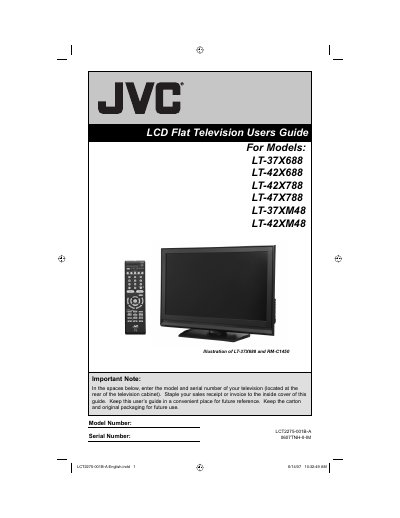
JVC LT-37X688 LCD Flat Television Users Guide
This user’s guide covers the JVC LT-37X688 LCD flat television and related models LT-42X688, LT-42X788, LT-47X788, LT-37XM48, and LT-42XM48. It includes important safety precautions, warnings about ghost images and cable connections, and instructions for caring for the cabinet and screen.
The guide explains quick setup, unpacking, TV models, remote control use, connecting devices, interactive plug-in menu, onscreen menus, and the onscreen menu system. It also covers initial setup, tuner setup, picture and sound adjustments, clock/timers, photo viewer, button functions, remote programming, troubleshooting, specifications, and warranty information.
All JVC LT-37X688 documents by type
Day-to-day operation, settings and troubleshooting. Start here if the product is already set up.
Questions answered in these manuals
What should you do if you do not use the TV for a long period of time?
Disconnect both the power plug from the AC outlet and the antenna for your safety.
How should the TV screen be cleaned?
Wipe it gently with a soft cloth. If it is very dirty, use a cloth dipped in diluted kitchen cleaner and thoroughly wrung out, then wipe immediately after with a clean, dry cloth.
How do I shut down the TV?
To shut down the TV, unplug it from the wall outlet.
Can I repair the television myself?
No, do not attempt to repair it yourself or remove the rear cover.