
This document is the user manual for the HP Photosmart 720 series digital camera. The manual covers various aspects of the camera, including its parts, setup, and materials disposal.
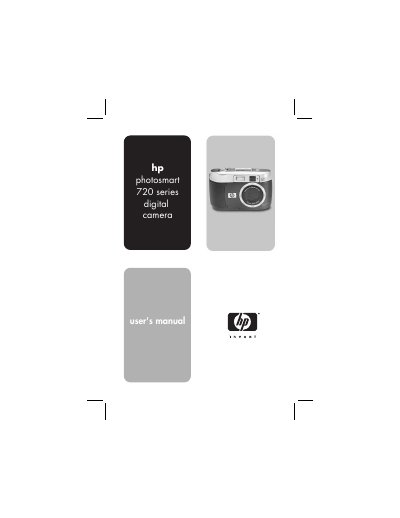
This guide walks you through getting started with the HP Photosmart 720 digital camera, covering camera parts, battery and memory‑card installation, language selection, date and time setup, and software installation for both Windows and Macintosh. It explains how to take still pictures, use focus lock, record video and audio, apply zoom, flash, and self‑timer or burst modes, and adjust image quality.
Later sections describe playback functions, menu navigation, HP Instant Share for printing or emailing images, connecting to a TV or computer via the optional Camera Dock, and a comprehensive troubleshooting and support chapter. An appendix provides detailed specifications and information on batteries, accessories, and the Camera Dock.
| Resolution (effective) | 3.15 MP (2048 × 1536) |
|---|---|
| Sensor Diagonal | 8.933 mm (Type 1/1.8 CCD) |
| Color depth | 30‑bit (10 colors × 3 colors) |
| Internal memory | 16 MB |
| Memory card type | Secure Digital (SD) card (not MMC) |
| Lens focal length | Wide 7 mm, Telephoto 21 mm |
| Maximum optical zoom | 3× |
| Maximum digital zoom | 4× |
| Maximum aperture (f‑number) | Wide f/2.6‑f/5.9, Telephoto f/4.8‑f/10.0 |
It uses a Secure Digital (SD) memory card; MMC cards are not supported.
Open the battery door and insert the AA or lithium‑ion batteries as shown in the "Installing the batteries" section.
The camera captures images at 3.15 MP (2048 × 1536 effective pixels).