
Key facts
- Brand
- Hitachi
- Model
- X200 Series
- Category
- Industrial Robot
- Industry
- Industrial
- Documents
- 4
- Languages
- EN
- Last added
- 2022-09-10
Start here
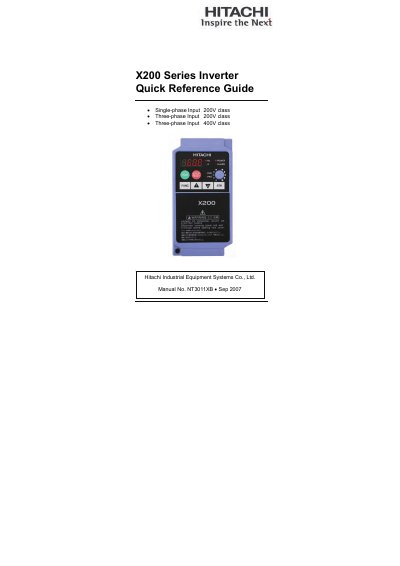
Hitachi X200 Series Inverter Quick Reference Guide
This Quick Reference Guide is intended for experienced users servicing existing Hitachi X200 Series inverter installations. It provides concise wiring diagrams, terminal assignments, keypad operation details, and safety warnings to help with troubleshooting and basic setup.
Key sections include power and motor wiring diagrams, control circuit terminal tables, keypad navigation, error code listings, analog input configuration, UL safety cautions, torque and wire‑size tables, and recommended circuit‑breaker and fuse sizes for both 200 V and 400 V models.
Hitachi X200 Series specifications
| Input Voltage Class | Single-phase 200V, Three-phase 200V/400V |
|---|---|
| Logic Input Supply | 24VDC, 30mA max |
| Discrete Logic Output | 50mA max ON current, 27VDC max OFF voltage |
| Analog Voltage Output | 0 to 10VDC, 1mA max |
| Analog Current Input | 4 to 19.6mA range, 20mA nom. |
| Analog Voltage Input | 0 to 9.6VDC range, 10VDC nominal |
| Relay Contact Rating | Max resistive load=250VAC, 2.5A |
All Hitachi X200 Series documents by type
Day-to-day operation, settings and troubleshooting. Start here if the product is already set up.
The shortest path to a working setup, usually only a few pages.
Questions answered in these manuals
What is the maximum current for the discrete logic output?
The maximum ON current for the discrete logic output is 50mA.
How do I reset an alarm that has tripped?
Press the Stop/Reset key to reset the inverter and clear the error.
How long must power be disconnected before maintenance?
You must wait at least five minutes after turning off the input power supply before performing maintenance or inspection.
What is the minimum wait time required after turning off power before performing maintenance?
You must wait at least five minutes after disconnecting input power to avoid the danger of electric shock.
Can a three‑phase‑only inverter be powered with a single‑phase supply?
No. Supplying a three‑phase‑only inverter with single‑phase power can damage the inverter and create a fire hazard.
How do you reset an error on the X200 inverter?
Press the Stop/Reset key to reset the inverter and clear the error.