
Key facts
- Brand
- Hitachi
- Model
- PJ-TX100
- Industry
- Industrial
- Documents
- 2
- Languages
- EN
- Last added
- 2012-05-04
Start here
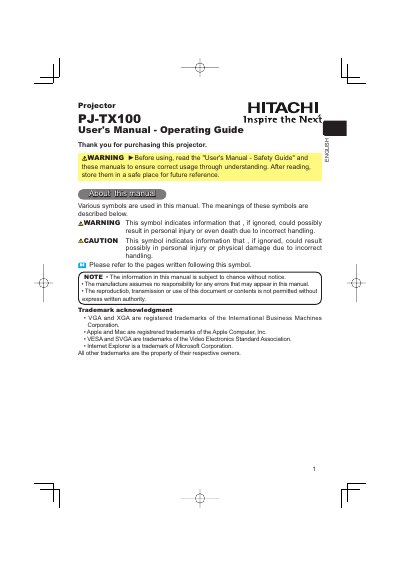
Hitachi PJ-TX100 Projector User Manual
The Hitachi PJ‑TX100 projector manual provides step‑by‑step instructions for installing, connecting, and operating the unit. It includes safety warnings, detailed descriptions of the projector’s parts, remote control functions, and menu navigation.
Additional sections cover lens‑shift adjustment, elevator foot positioning, lamp replacement, air‑filter maintenance, troubleshooting, and warranty information, ensuring users can keep the projector performing at its best.
Hitachi PJ-TX100 specifications
| Lens type | Super focus ED (Extra‑low dispersion) |
|---|---|
| Lamp type | DT00661 |
| Supported input ports | DVI‑D, COMPONENT VIDEO, S‑VIDEO, VIDEO, COMPUTER |
All Hitachi PJ-TX100 documents by type
Day-to-day operation, settings and troubleshooting. Start here if the product is already set up.
Questions answered in these manuals
How do I replace the lamp?
Turn off the projector, unplug the power cord, wait at least 45 minutes for the lamp to cool, then remove the old lamp and install a new DT00661 lamp following the step‑by‑step instructions.
What safety steps should I take before connecting devices?
Always turn off all devices before connecting them to the projector and use the correct cables for each input port.