
Key facts
- Brand
- Gigabyte
- Model
- D2432
- Category
- Other Computer Accessories
- Industry
- Computers
- Documents
- 2
- Languages
- EN
- Last added
- 2012-05-11
Start here
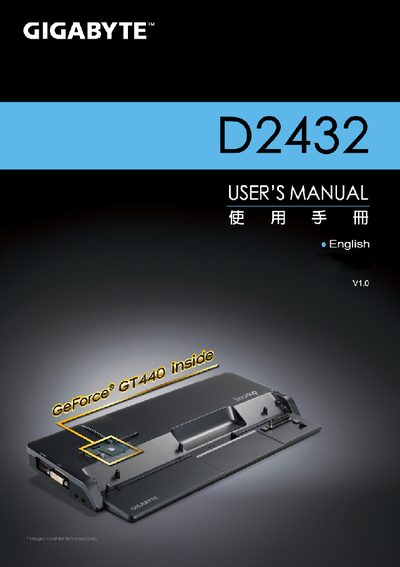
Gigabyte D2432 Docking Station User Manual
This manual introduces the Gigabyte D2432 Docking Station, covering supplied items, first‑time setup, and the layout of ports and controls. It also includes regulatory notices and safety guidelines for battery handling and RF exposure.
Detailed sections describe how to connect power, use the docking port, operate the un‑docking button, and safely remove the notebook. A specification table lists compatible notebooks, graphics card support, and available I/O ports, while the appendix points to warranty and support resources.
Gigabyte D2432 specifications
| Compatibility | Gigabyte M2432 series Notebook |
|---|---|
| Video Graphics | NVIDIA® GeForce® VGA Card |
| Ports | DC‑In Jack, RJ45, USB x6, D‑sub, HDMI, DVI, Mic‑in Jack, Audio Jack |
| Buttons | Un‑Docking Button, Power Button |
All Gigabyte D2432 documents by type
Day-to-day operation, settings and troubleshooting. Start here if the product is already set up.
Questions answered in these manuals
Where can I download technical support files for the D2432?
Technical support files are available at Gigabyte’s support page: http://www.gigabyte.com.tw/support-downloads/technical-support.aspx.
Where can I find the FAQ for the D2432?
The FAQ can be accessed at http://www.gigabyte.com.tw/support-downloads/faq.aspx.