
Key facts
- Brand
- Gigabyte
- Model
- Q1700 Series
- Documents
- 3
- Languages
- ZH · EN
- Last added
- 2012-03-13
Start here
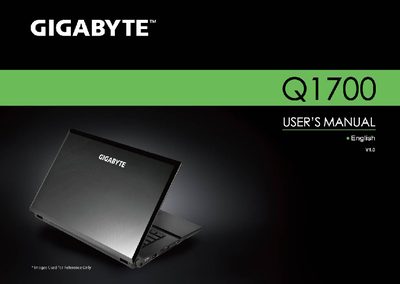
GIGABYTE Q1700 Series Notebook User Manual
This manual guides you through setting up and using the GIGABYTE Q1700 Series notebook, covering general safety precautions, proper handling of the AC adapter and battery, and tips for travel and usage. It also includes detailed cleaning instructions for the notebook cover, keyboard, and LCD screen.
Additional sections describe warranty coverage, regulatory notices, and proper battery disposal and replacement procedures, ensuring safe and compliant operation of the device.
All Gigabyte Q1700 Series documents by type
Day-to-day operation, settings and troubleshooting. Start here if the product is already set up.
Questions answered in these manuals
What safety precautions should be taken when using the Q1700 laptop?
Keep at least 10 cm clear around the ventilation holes and avoid inserting objects into them to prevent short‑circuits and fire hazards.
How should the battery be handled and disposed of?
Only use the manufacturer‑approved battery and charger, keep the battery away from pockets or metal objects, and follow local regulations for recycling or disposal.
Can I check the laptop in checked luggage when traveling?
No. The manual advises that the laptop should be treated as carry‑on luggage and not placed in checked baggage.
What should I do before cleaning the laptop?
Power off the laptop, unplug the power adapter, and remove the battery before cleaning any part of the device.
How should the LCD screen be cleaned?
Use a microfiber cloth to clean the surface of the LCD, optionally with a commercial LCD cleaning kit, and never spray liquid directly onto the screen.