
This document is the user manual of Gigabyte Expansion Dock, which mainly introduces the function features and usage methods of Expansion Dock.
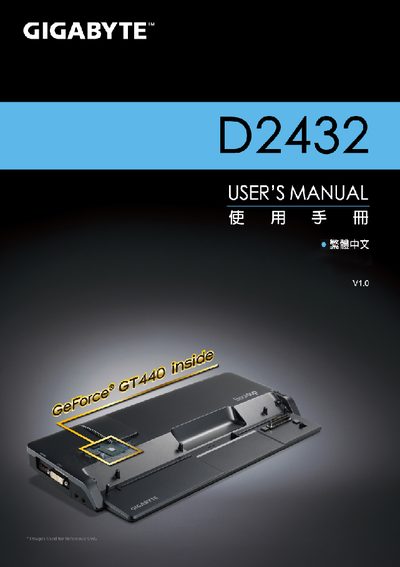
This manual covers the essential information for installing, configuring, and using the Gigabyte D2432. It includes safety guidelines, connection options, and instructions for the un‑docking monitor setup.
Additional sections provide specifications of the device, a list of supported ports, and links to technical support and FAQ resources for further assistance.
| Graphics Card | NVIDIA GeForce VGA Card |
|---|---|
| Ports | RJ45, USB, D‑sub, HDMI, DVI |
Technical support files are available at Gigabyte’s support page: http://www.gigabyte.com.tw/support-downloads/technical-support.aspx.
The FAQ can be accessed at http://www.gigabyte.com.tw/support-downloads/faq.aspx.