
This document is about regulatory notices for a computer, including using the correct battery, not removing the battery while the computer is powered on, not using a damaged battery, proper recharging, not repairing the battery, keeping children away and disposing of damaged batteries correctly, and keeping the battery away from metal appliances.
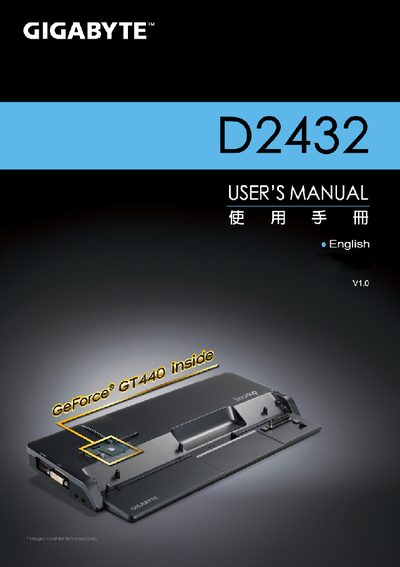
This manual introduces the Gigabyte D2432 Docking Station, covering supplied items, first‑time setup, and the layout of ports and controls. It also includes regulatory notices and safety guidelines for battery handling and RF exposure.
Detailed sections describe how to connect power, use the docking port, operate the un‑docking button, and safely remove the notebook. A specification table lists compatible notebooks, graphics card support, and available I/O ports, while the appendix points to warranty and support resources.
| Compatibility | Gigabyte M2432 series Notebook |
|---|---|
| Video Graphics | NVIDIA® GeForce® VGA Card |
| Ports | DC‑In Jack, RJ45, USB x6, D‑sub, HDMI, DVI, Mic‑in Jack, Audio Jack |
| Buttons | Un‑Docking Button, Power Button |