
Key facts
- Brand
- Gigabyte
- Model
- GA-P67A-UD3P
- Category
- Motherboard
- Industry
- Computers
- Documents
- 2
- Languages
- ZH
- Last added
- 2012-04-09
Start here
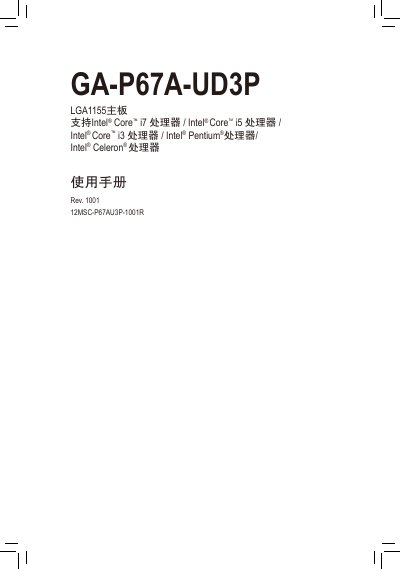
GIGABYTE GA-P67A-UD3P LGA1155 motherboard Manual(1)(1)
This manual provides step‑by‑step instructions for installing the GA‑P67A‑UD3P LGA1155 motherboard, configuring the BIOS, and installing drivers. It also details the board’s hardware layout, supported CPUs, memory modules, and peripheral connections.
Additional sections cover unique Gigabyte features such as Xpress Recovery, Dynamic Energy Saver, and cloud overclocking, as well as troubleshooting tips and service contact information. This manual is written in Chinese.
Gigabyte GA-P67A-UD3P specifications
| CPU socket | LGA1155 |
|---|---|
| Chipset | Intel P67 |
| Memory slots | 4 DDR3 DIMM, up to 16 GB |
| Supported memory speeds | DDR3 2133/1866/1600/1333/1066 MHz |
| Audio codec | Realtek ALC892/889 |
| LAN controller | Realtek RTL8111E (10/100/1000 Mbit) |
| USB ports | 14× USB 2.0/1.1, 4× USB 3.0/2.0 |
| Additional USB 3.0 ports | 4× USB 3.0/2.0 |
All Gigabyte GA-P67A-UD3P documents by type
Day-to-day operation, settings and troubleshooting. Start here if the product is already set up.
Questions answered in these manuals
How can the BIOS be updated quickly?
Use the Q‑Flash utility in the BIOS to perform a fast BIOS update.
How many memory modules can be installed and what is the maximum capacity?
The board has four DDR3 DIMM slots that support up to 16 GB of memory in total.
Which Intel processors are supported by the GA‑P67A‑UD3P motherboard?
The board supports Intel Core i7, i5, i3, Pentium and Celeron processors for the LGA1155 socket.
From: GIGABYTE GA-P67A-UD3P LGA1155 motherboard Manual(1)(1)
How many USB 3.0 ports does the motherboard provide?
It provides up to four USB 3.0/2.0 ports.
From: GIGABYTE GA-P67A-UD3P LGA1155 motherboard Manual(1)(1)