
Key facts
- Brand
- FrSky
- Model
- FLD-02
- Category
- Other Electronics
- Industry
- Electronics
- Documents
- 2
- Languages
- EN
- Last added
- 2026-11-16
Start here
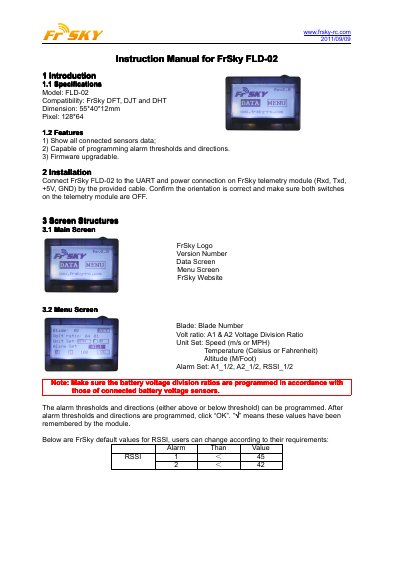
FrSky FLD-02 Telemetry Display Instruction Manual
This is the instruction manual for the FrSky FLD-02, a 128*64 pixel display unit with dimensions of 55*40*12 mm that is compatible with the FrSky DFT, DJT and DHT telemetry modules. It shows the data of all connected sensors, allows alarm thresholds and directions to be programmed, and supports firmware upgrades.
The manual explains how to connect the FLD-02 to the UART and power connection (Rxd, Txd, +5V, GND) of a FrSky telemetry module with the provided cable, and describes the main screen, menu screen and the four data screens, including the default RSSI alarm values and the note that battery voltage division ratios must be programmed to match the connected battery voltage sensors.
FrSky FLD-02 specifications
| Model | FLD-02 |
|---|---|
| Compatibility | FrSky DFT, DJT and DHT |
| Dimensions | 55*40*12 mm |
| Pixel | 128*64 |
All FrSky FLD-02 documents by type
Day-to-day operation, settings and troubleshooting. Start here if the product is already set up.
Questions answered in these manuals
Which telemetry modules is the FrSky FLD-02 compatible with?
The FLD-02 is compatible with the FrSky DFT, DJT and DHT modules.
How do I connect the FLD-02 to a telemetry module?
Connect it to the UART and power connection on the FrSky telemetry module (Rxd, Txd, +5V, GND) using the provided cable, and make sure both switches on the telemetry module are OFF.
What telemetry modules is the FLD-02 compatible with?
The FLD-02 is compatible with FrSky DFT, DJT, and DHT telemetry modules.
How do I connect the FLD-02 to the telemetry module?
Connect the FLD-02 to the UART and power connection on the telemetry module using the provided cable.