
FrSky FLD-02 instruction manual: specifications, installation on DFT/DJT/DHT modules, menu settings, alarm thresholds and data screens.
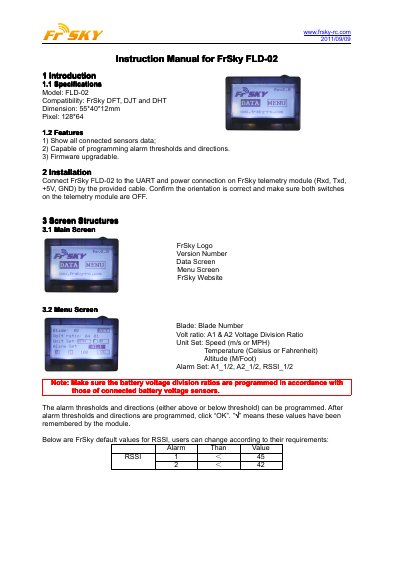
This is the instruction manual for the FrSky FLD-02, a 128*64 pixel display unit with dimensions of 55*40*12 mm that is compatible with the FrSky DFT, DJT and DHT telemetry modules. It shows the data of all connected sensors, allows alarm thresholds and directions to be programmed, and supports firmware upgrades.
The manual explains how to connect the FLD-02 to the UART and power connection (Rxd, Txd, +5V, GND) of a FrSky telemetry module with the provided cable, and describes the main screen, menu screen and the four data screens, including the default RSSI alarm values and the note that battery voltage division ratios must be programmed to match the connected battery voltage sensors.
| Model | FLD-02 |
|---|---|
| Compatibility | FrSky DFT, DJT and DHT |
| Dimensions | 55*40*12 mm |
| Pixel | 128*64 |
The FLD-02 is compatible with the FrSky DFT, DJT and DHT modules.
Connect it to the UART and power connection on the FrSky telemetry module (Rxd, Txd, +5V, GND) using the provided cable, and make sure both switches on the telemetry module are OFF.
Yes. The alarm thresholds and directions (either above or below threshold) can be programmed; after programming them, click "OK".
The default values shown are RSSI 1 below 45 and RSSI 2 below 42, and users can change them according to their requirements.