
Key facts
- Brand
- FrSky
- Model
- TD SR18
- Category
- Other Electronics
- Industry
- Industrial
- Documents
- 2
- Languages
- ZH · EN
- Last added
- 2026-10-15
Start here
FrSky TD SR18 Receiver User Manual
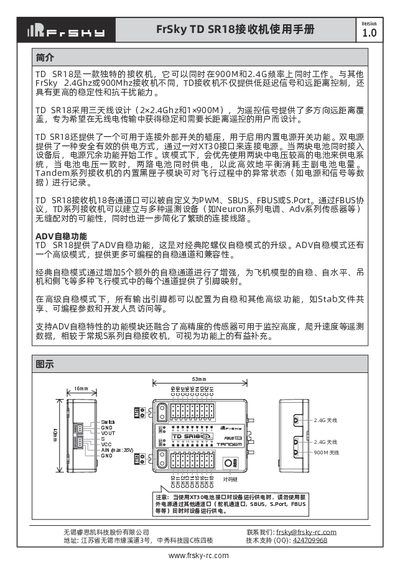
The FrSky TD SR18 is a unique receiver capable of simultaneous operation on both 900MHz and 2.4GHz frequencies. It features a three-antenna design (two for 2.4GHz and one for 900MHz) to ensure stable, long-distance control with high anti-interference capability. The device includes an internal black box module for recording flight data and supports dual power inputs via XT30 connectors for efficient battery balancing. This manual is written in Chinese.
Read onlineFrSky TD SR18 specifications
| Frequency Bands | 900MHz & 2.4GHz |
|---|---|
| Dimensions | 53*40*16mm (L*W*H) |
| Weight | 29.1g |
| Operating Voltage | 4-10V |
| Max Continuous Current | ≤30A |
| Altitude Measurement Range | -700m to 10000m |
All FrSky TD SR18 documents by type
Day-to-day operation, settings and troubleshooting. Start here if the product is already set up.
Questions answered in these manuals
How do I register the receiver with my transmitter?
Power on the receiver while holding the bind button until the red and green LEDs are solid. Then, select the registered ID in your transmitter's RF system settings.
What is the ADV stabilization mode?
ADV (Advanced) is an upgraded self-stabilization mode that allows all output pins to be configured for stabilization and advanced features like shared stab files.
What is the ADV Stabilizer function?
It is an upgrade over classical gyroscope stabilization modes that provides more programmable stabilized channels and flexibility.
How do I calibrate the gyroscope sensor?
Place the device on a flat ground or table, enter the [SRX Calibration] tool, and follow the prompts to calibrate all surfaces.