
Key facts
- Brand
- FrSky
- Model
- FAS100 ADV
- Category
- Other Electronics
- Industry
- Automotive
- Documents
- 2
- Languages
- ZH · EN
- Last added
- 2026-10-06
Start here
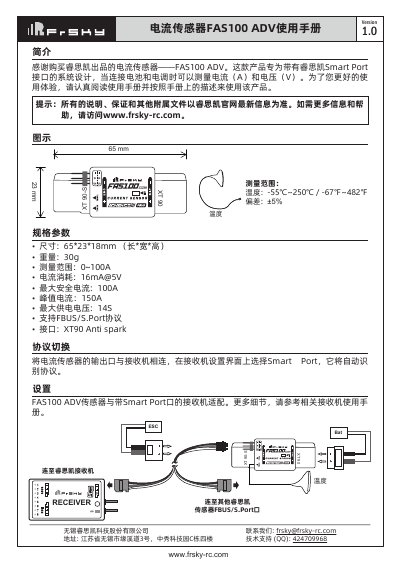
FrSky FAS100 ADV Current Sensor User Manual
The FAS100 ADV is a current and voltage sensor designed for systems with FrSky Smart Port. It connects to the receiver via the Smart Port interface and supports FBUS/S.Port protocols. The manual provides step‑by‑step instructions for wiring, configuring the sensor, and interpreting LED status indicators.
Key safety guidance includes proper installation away from water, oil and vibration, and warnings about polarity. Contact information for FrSky technical support and links to firmware updates are also provided. This manual is written in Chinese.
FrSky FAS100 ADV specifications
| Size | 65 × 23 × 18 mm (L × W × H) |
|---|---|
| Measurement range | 0 ~ 100 A |
| Current consumption | 16 mA @ 5 V |
| Maximum safe current | 100 A |
| Peak current | 150 A |
| Maximum supply voltage | 14 S |
| Supported protocols | FBUS / S.Port |
| Interface | XT90 Anti‑spark |
| Temperature measurement range | -55 °C ~ 250 °C |
All FrSky FAS100 ADV documents by type
Day-to-day operation, settings and troubleshooting. Start here if the product is already set up.
Questions answered in these manuals
How can I change the sensor's ID?
The default ID is 02; you can change it using the Free Link app on Windows, Android or iOS.
What do the LED flashes indicate?
A slow flash shows FBUS mode, while a fast flash indicates S.Port mode.
What is the default physical ID for the FAS100 ADV sensor?
The default physical ID for this sensor is 02.
How do you connect the sensor to the receiver?
Connect the output Port of the sensor to the receiver and select Smart Port on the receiver setup screen.