
Key facts
- Brand
- FrSky
- Model
- FAS40 ADV
- Industry
- Electronics
- Documents
- 2
- Languages
- EN
- Last added
- 2026-11-05
Start here
FrSky FAS40 ADV Current Sensor User Manual
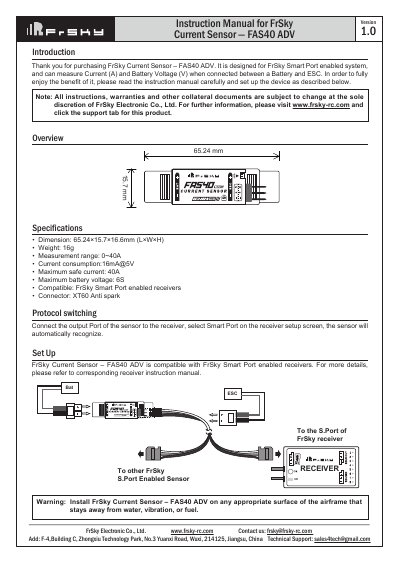
This manual provides setup instructions for the FrSky FAS40 ADV current sensor, designed for use with FrSky Smart Port enabled systems. It measures current (A) and battery voltage (V) when connected between a battery and ESC. The sensor features a 0~40A measurement range and 6S maximum battery voltage. Setup requires connecting the sensor to the receiver’s Smart Port and ensuring correct polarity.
The sensor includes an LED status indicator and can be daisy-chained with other FrSky Smart Port sensors. It has a default physical ID of 02, which can be changed using Free Link software. Safety warnings advise avoiding water, vibration, or fuel exposure.
FrSky FAS40 ADV specifications
| Dimension | 65.24×15.7×16.6mm (L×W×H) |
|---|---|
| Weight | 16g |
| Measurement range | 0~40A |
| Current consumption | 16mA@5V |
| Maximum safe current | 40A |
| Maximum battery voltage | 6S |
| Compatible | FrSky Smart Port enabled receivers |
All FrSky FAS40 ADV documents by type
Day-to-day operation, settings and troubleshooting. Start here if the product is already set up.
Questions answered in these manuals
What is the measurement range of the FAS40 ADV sensor?
The sensor measures current from 0 to 40A.
What is the maximum battery voltage supported?
The maximum battery voltage is 6S.
What is the default physical ID for this sensor?
The default physical ID for this sensor is 02.
Can other FrSky sensors be daisy-chained with this one?
Yes, all sensors could daisy chain with each other through their Smart Port.