
Key facts
- Brand
- Casio
- Model
- QV-R40
- Category
- Digital cameras
- Industry
- Electronics
- Documents
- 3
- Languages
- EN · JA
- Last added
- 2012-06-06
Start here
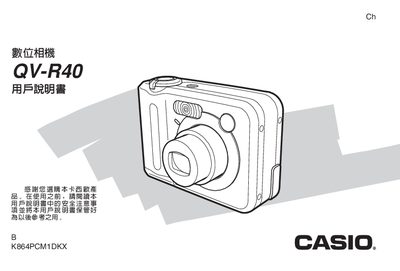
Casio QV-R40 Digital Camera User Manual
User Manual 175 pages · 5 MB · JA
This manual guides users through unpacking, charging, and configuring the QV-R40 camera, including language and clock settings, shooting modes, and playback functions.
It also covers battery handling, USB connection for Windows and Macintosh, troubleshooting, and specifications such as weight, dimensions, and charger requirements. This manual is written in Japanese.
All Casio QV-R40 documents by type
User Manual 3
Day-to-day operation, settings and troubleshooting. Start here if the product is already set up.
Questions answered in these manuals
What batteries are required for the camera?
The camera requires two AA-size rechargeable nickel-metal hydride batteries (HR-3UA).
Can I transfer images directly to a computer?
Yes, you can use USB DIRECT-PRINT or connect the camera via USB cable to view and copy files.
What happens to the date and time settings when the battery is removed?
If the battery is completely removed, the camera’s date and time reset and must be re‑configured.