
This is a user manual for the CASIO digital camera QV-R40, which introduces the camera's features and usage methods
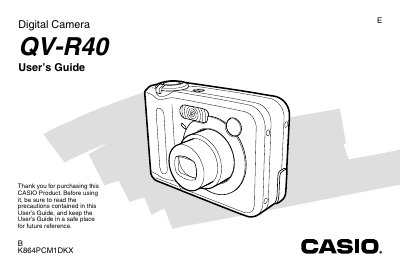
The Casio QV-R40 is a compact digital camera that features optical zoom, digital zoom, and various shooting modes including Best Shot and Movie Mode. The manual provides instructions on charging batteries, using AC power, and configuring display settings such as language and clock time.
Users can record still images and movies, adjust exposure compensation, white balance, and ISO sensitivity. The guide details how to manage files by protecting them, copying them between built-in memory and a memory card, or transferring them directly to a Windows or Macintosh computer via USB.
The camera requires two AA-size rechargeable nickel-metal hydride batteries (HR-3UA).
Yes, you can use USB DIRECT-PRINT or connect the camera via USB cable to view and copy files.