
Key facts
- Brand
- Casio
- Model
- QV-2400UX
- Category
- Digital cameras
- Industry
- Electronics
- Documents
- 2
- Languages
- EN · JA
- Last added
- 2012-06-06
Start here
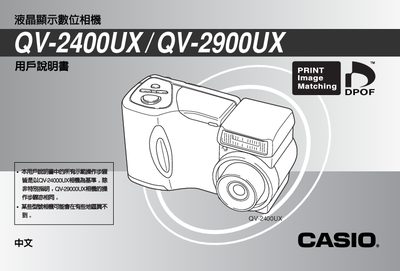
Casio QV-2400UX QV-2900UX User Manual
This manual explains how to set up and operate the Casio QV-2400UX and QV-2900UX digital cameras. It covers initial preparation, battery installation, date and time configuration, shooting modes, lens settings, and how to connect external devices such as USB, video out, and optional flash units.
Technical specifications are listed, including lens focal ranges, aperture values, power consumption, dimensions, weight, and battery information. The document also includes reference tables for image playback, DPOF settings, and troubleshooting tips. This manual is written in Japanese.
Casio QV-2400UX specifications
| Standard focal length (QV-2400UX) | 10 cm to 1 m (1×) |
|---|---|
| Standard focal length (QV-2900UX) | 40 cm to 1 m (1×) |
| Aperture range (QV-2400UX) | F2.8 – F5.6 |
| Aperture range (QV-2900UX) | F3.2 – F8 |
| Power consumption (QV-2400UX) | ≈5.3 W |
| Dimensions (QV-2400UX) | 118 mm × 67 mm × 4 mm |
| Weight (QV-2400UX) | ≈245 g |
| Battery type | 4 AA alkaline or Ni‑MH batteries |
| Battery life (approx.) | Up to 300 minutes |
All Casio QV-2400UX documents by type
Day-to-day operation, settings and troubleshooting. Start here if the product is already set up.
Questions answered in these manuals
Which camera models does this guide cover?
The procedures are based on the QV-2400UX but also apply to the QV-2900UX unless specifically noted otherwise.
What date formats can be selected for the camera's time stamp?
The camera supports three date formats: Year/Month/Day, Day/Month/Year, and Month/Day/Year.
How do I set the date and time on the camera?
Use the date and time setting function described in the manual; select the desired format and adjust the values as shown on page 4.