
This is a user manual for the Casio QV-R40 digital camera, which mainly introduces the camera's unboxing, basic functions, shooting functions, playback functions, and file management.
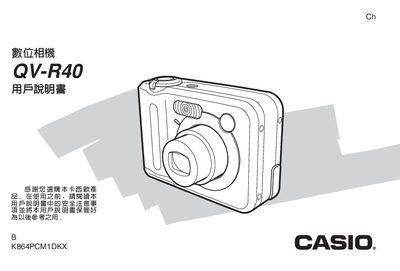
This manual provides step-by-step instructions for using the Casio QV-R40 digital camera, including battery charging, camera setup, shooting modes, playback, and memory card management. It also covers advanced features like Best Shot, Coupling Shot, and USB connectivity. The camera uses a rechargeable HR-3UA battery and weighs approximately 160g without battery or accessories. This manual is written in Japanese.
| Battery Type | HR-3UA rechargeable battery |
|---|---|
| Battery Voltage | 1.2V |
| Battery Capacity | 2000mAh |
| Weight | Approximately 160g (without battery and accessories) |
| LCD Panel | Latest LCD technology with 99.99% pixel pass rate |
It uses a rechargeable HR-3UA battery.
The camera operates between -0°C and 40°C.
It takes approximately 4 hours to fully charge.
The LCD panel uses the latest production technology with a 99.99% pixel pass rate.