
Key facts
- Brand
- Casio
- Model
- PX-800
- Industry
- Electronics
- Documents
- 2
- Languages
- EN · ZH
- Last added
- 2012-06-06
Start here
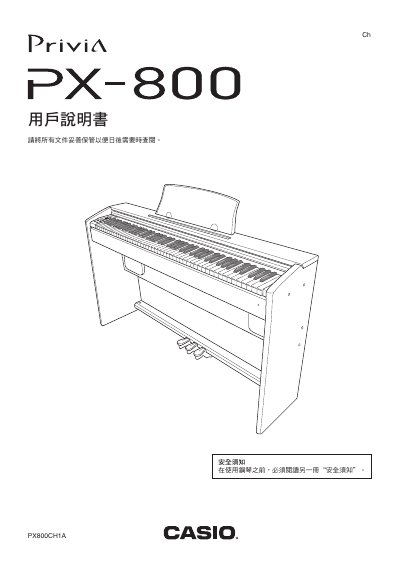
Casio PX-800 Digital Piano User Manual
This manual provides step-by-step instructions for operating the Casio PX-800 digital piano. It covers power setup, connecting audio devices and headphones, selecting and layering sounds, using built-in songs, recording and playback, MIDI connectivity, and SD card management. The guide also includes troubleshooting and technical specifications. This manual is written in Chinese.
Read onlineAll Casio PX-800 documents by type
Day-to-day operation, settings and troubleshooting. Start here if the product is already set up.
Questions answered in these manuals
What is required before using the piano?
You must read the separate "Safety Precautions" document before trying to use the instrument.
How should the power cord be protected?
The power cord must be protected from being walked on or pinched, especially at plugs and where it exits the apparatus.
How do I select different sounds on the PX-800?
Press the TEMPO/SETTING button while pressing the corresponding key to select a sound. The sound number will appear on the screen.
How do I connect headphones to the PX-800?
Insert the headphone plug into the PHONES jack. This will mute the internal speakers, allowing quiet practice without disturbing others.