
Key facts
- Brand
- Casio
- Model
- PX-300
- Category
- Musical instruments
- Documents
- 2
- Languages
- EN
- Last added
- 2012-05-05
Start here
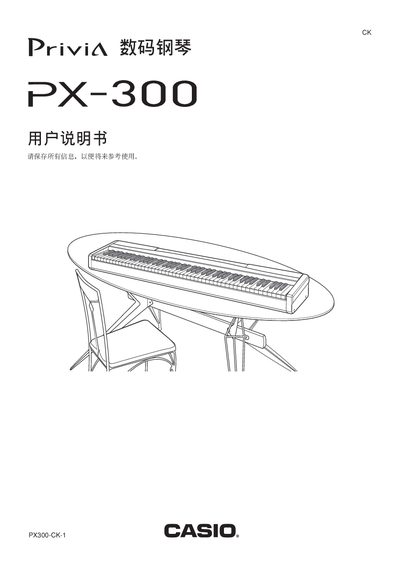
Casio PX-300 Digital Piano User Manual
This manual covers essential safety instructions, proper handling of the instrument, and detailed descriptions of the control panel, pedals, and connection ports. It also explains how to use the supplied AC power adapter and the 12 V DC input.
A complete MIDI implementation chart is included, showing supported channels, note range, velocity, and controller messages. Warranty terms and service contact information are provided at the end of the document.
Casio PX-300 specifications
| MIDI note range | 21‑108 |
|---|---|
| MIDI channel range | 1‑16 |
| DC power input | 12 V |
All Casio PX-300 documents by type
Day-to-day operation, settings and troubleshooting. Start here if the product is already set up.
Questions answered in these manuals
How do I connect headphones to the PX‑300?
Connect commercially available headphones to the digital piano’s PHONES jacks, which will mute the built‑in speakers.
From: Casio PX-300 User Manual
Which AC adaptor should be used with the PX‑300?
Only the Casio AD‑12 adaptor should be used; other adapters are not approved.
From: Casio PX-300 User Manual
How do I connect the sustain pedal?
Connect the pedal to the PEDAL DAMPER (踏板制音) jack on the rear panel.
What MIDI channels does the PX‑300 support?
The instrument can transmit on MIDI channels 1 through 16.