
This document is the PX800ES1B ES User's Guide, which provides safety precautions before using the piano, such as installation location, cleaning method, power cord protection, etc.
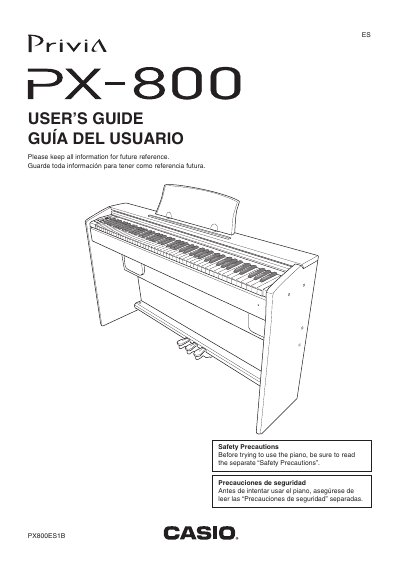
This manual provides instructions for setting up and operating the Casio Privia PX-800 digital piano. It covers essential topics such as assembling the stand, connecting power and audio equipment, and using bundled accessories like headphones and pedals.
The guide details how to play with different tones, layer sounds, split the keyboard, and use built-in effects and a metronome. It also explains features for recording songs, playing back music library tracks, and configuring various settings via the keyboard or dedicated buttons.
| Model Number | PX-800 |
|---|
You must read the separate "Safety Precautions" document before trying to use the instrument.
The power cord must be protected from being walked on or pinched, especially at plugs and where it exits the apparatus.