
Key facts
- Brand
- Casio
- Model
- PX-500L
- Industry
- Electronics
- Documents
- 3
- Languages
- ES · JA · EN
- Last added
- 2012-06-06
Start here
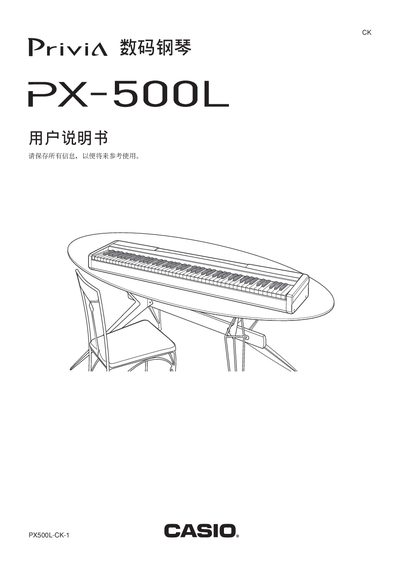
Casio PX-500L Digital Piano User Manual
This manual covers safety warnings, proper installation of the AC power adapter, and correct handling of the instrument to prevent fire or injury. It also explains the layout of the control panel, pedal functions, volume, reverb, chorus, and other sound parameters.
A detailed MIDI implementation chart lists supported messages, channel ranges, note numbers and controller assignments. The warranty section explains service terms and the required documentation for repair.
Casio PX-500L specifications
| Main Tones | 15 |
|---|---|
| Variation Tones | 15 |
| GM Tones | 128 |
| Drum Sets | 10 |
All Casio PX-500L documents by type
Day-to-day operation, settings and troubleshooting. Start here if the product is already set up.
Questions answered in these manuals
Which AC adaptor is specified for this digital piano?
The manual specifies using only the CASIO AD-12 adaptor to power the unit.
How do I stop the sequential playback of Music Library tunes?
Press the START/STOP button again after it has started playing to stop the sequence.
How do I connect headphones to the PX-500L?
Connect the headphones to the PHONES terminal on the left side of the instrument.
How can I cancel the power‑off reminder function?
Hold the CONTROL button and press the key shown in the diagram to cancel the reminder.
What type of power adapter should be used with the PX‑500L?
Only the AC transformer specified by the manufacturer may be used; other adapters can cause fire or damage.
How do I connect headphones to the piano?
Plug the headphones into the PHONES jack on the front panel.