
This is a user manual for the PX-800 digital piano, which mainly introduces the various parts of the piano, how to play, connect, record and play
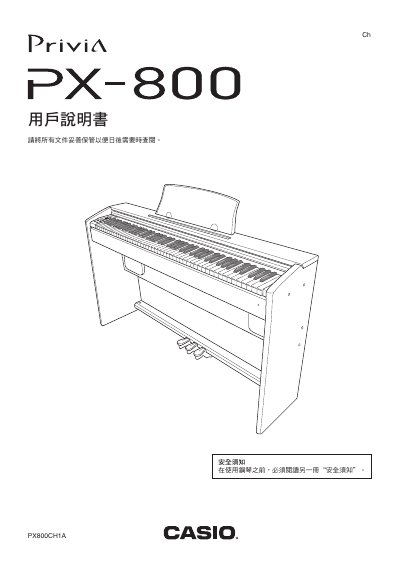
This manual provides step-by-step instructions for operating the Casio PX-800 digital piano. It covers power setup, connecting audio devices and headphones, selecting and layering sounds, using built-in songs, recording and playback, MIDI connectivity, and SD card management. The guide also includes troubleshooting and technical specifications. This manual is written in Chinese.
| Model | PX-800 |
|---|
Press the TEMPO/SETTING button while pressing the corresponding key to select a sound. The sound number will appear on the screen.
Insert the headphone plug into the PHONES jack. This will mute the internal speakers, allowing quiet practice without disturbing others.
Yes, you can record and play back music using the built-in recorder. The manual explains how to record specific tracks and play them back.