
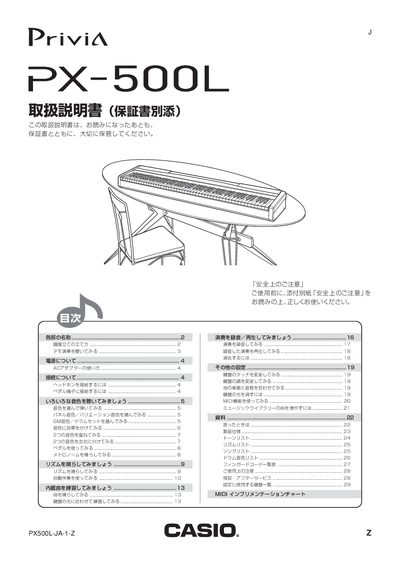
This manual covers safety precautions, power requirements, and connection methods for the PX-500L, including how to attach headphones, pedals, and the AC adapter. It explains the layout of the instrument, tone selection, music library playback, and effect settings such as reverb and chorus.
Additional sections describe advanced features like layering and splitting tones, MIDI implementation details, and troubleshooting tips. The document also lists the included accessories and recommended optional accessories. This manual is written in Japanese.
| AC adapter model | AD-18JL |
|---|---|
| Power supply voltage | 100 V AC |
| Panel tones | 15 |
| Variation tones | 15 |
| M tones | 128 |
| MIDI note range | 0‑127 |
Connect the headphones to the PHONES terminal on the left side of the instrument.
Hold the CONTROL button and press the key shown in the diagram to cancel the reminder.
The MIDI note numbers range from 0 to 127.
Press a TONE button; the name of the selected tone appears above the button.