
Key facts
- Brand
- Casio
- Model
- PX-110
- Category
- Musical instruments
- Documents
- 4
- Languages
- EN · JA
- Last added
- 2012-06-06
Start here
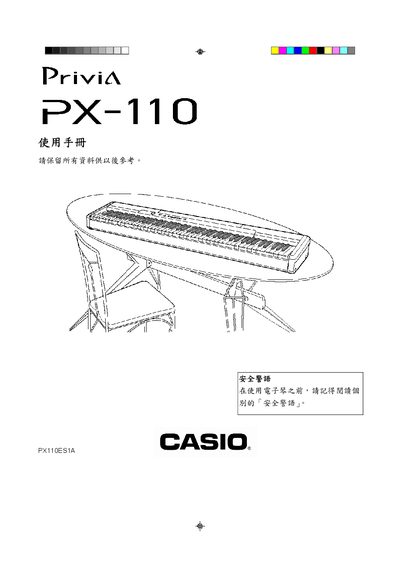
Casio PX-110 Electronic Organ User Manual
This manual begins with safety precautions for the PX-110, covering fire‑prevention, proper use of the power cord, and warnings about moisture and improper accessories. It also explains the required AC power source (AD‑12U) and how to safely disconnect the instrument.
The remainder of the guide details the instrument’s front‑panel controls, function keys, pedal connectors, MIDI ports, and external device connections. It includes step‑by‑step instructions for using the sustain, soft, and damper pedals, adjusting tone and volume, and accessing the built‑in music library. This manual is written in Japanese.
Casio PX-110 specifications
| Built‑in tones | 11 |
|---|---|
| AC adaptor model | AD-12 |
| DC input jack | 12 V |
| MIDI implementation version | 1.0 |
| Battery type | Lithium |
All Casio PX-110 documents by type
Day-to-day operation, settings and troubleshooting. Start here if the product is already set up.
Questions answered in these manuals
What AC adaptor is specified for this digital piano?
The product requires the use of only the CASIO AD-12 adaptor.
How do I play back all Music Library tunes in sequence?
Hold down the FUNCTION button and press the DEMO button at the same time to start sequential playback.
How do I connect headphones to the PX-110?
Connect commercially available headphones to the PHONES jacks on the piano.
How can I adjust the brilliance of a tone?
Hold down the FUNCTION button and press the BRILLIANCE buttons to increase or decrease brilliance.
Where is the MIDI output located?
The MIDI OUT/N connector is labeled on the rear panel.
Can I use external headphones with the PX-110?
Yes, plug headphones into the PHONES jack on the rear panel.