
This is a manual for an electronic piano
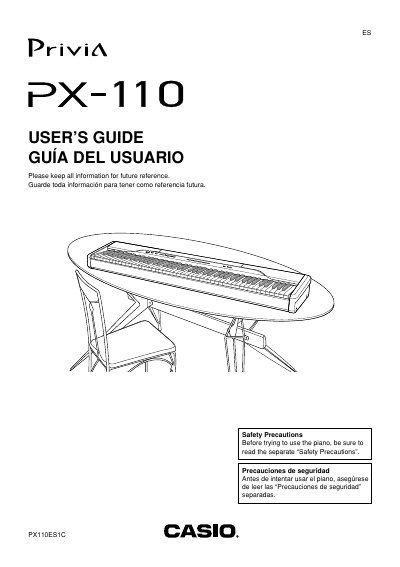
This document is the official User's Guide for the Casio Privia PX-110 digital piano. It provides instructions on safety precautions, power supply options using the AD-12 adaptor, and connecting external devices like headphones and pedals.
The guide details how to operate various features including tone selection, brilliance adjustment, layering tones, and using built-in effects such as reverb and chorus. It also explains functions for playing back music library tunes, recording keyboard performance to song memory, and utilizing the auto accompaniment system.
| AC Adaptor Model | AD-12 |
|---|---|
| Product Name | Privia PX-110 |
The product requires the use of only the CASIO AD-12 adaptor.
Hold down the FUNCTION button and press the DEMO button at the same time to start sequential playback.
No, you need to purchase another optionally available pedal if you want to use both jacks at the same time.