
Key facts
- Brand
- Casio
- Model
- PX-120
- Category
- Musical instruments
- Documents
- 3
- Languages
- EN · ZH
- Last added
- 2012-06-06
Start here
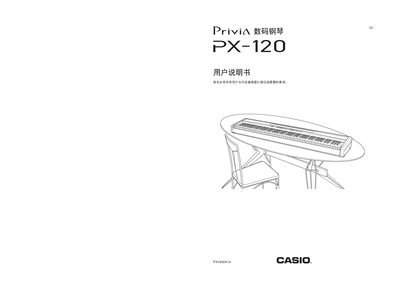
Casio PX-120 Digital Piano User Manual
This manual begins with safety instructions and warnings to ensure proper and safe use of the Casio PX-120 digital piano. It explains how to handle the instrument, power supply, and accessories, and describes the parts and their functions.
The guide then covers connection methods for headphones, audio amplifiers, and pedals, explains tone selection, brightness, reverb, chorus, metronome, built‑in songs, music library playback, rhythm patterns, automatic accompaniment, and recording functions. Detailed parameter lists and troubleshooting information are also included. This manual is written in Chinese.
Casio PX-120 specifications
| Keyboard keys | 88 |
|---|---|
| Maximum polyphony | 128 notes |
| Speakers | 2 × 12 cm (8 W + 8 W) |
| Dimensions (W×D×H) | 132.2 mm × 27.8 mm × 13.4 mm |
| Weight | ≈ 11.4 kg |
| Recording capacity | ≈ 5,000 notes |
All Casio PX-120 documents by type
Day-to-day operation, settings and troubleshooting. Start here if the product is already set up.
Questions answered in these manuals
How do I connect headphones to the piano?
Connect commercially available headphones to the PHONES jack on the left side of the unit.
Can I play through an external amplifier?
Yes, you can connect audio equipment or a music amplifier to the digital piano for more powerful volume and better sound quality.
Which power transformer is compatible with the PX‑120?
Only the dedicated AC transformer model AD‑12 may be used with the piano.
How many tones does the PX‑120 provide?
The instrument includes eleven built‑in tones.
What power supply does the PX-120 require?
It uses the dedicated AC adapter AD‑12, providing 12 V DC at 18 W.
What is the maximum polyphony of the PX-120?
It can play up to 128 notes simultaneously.