
This document is a product manual that introduces the usage and precautions of Casio digital cameras, along with a list of the included accessories. It reminds users to keep the manual for future reference and provides a link to the official website for the latest information.
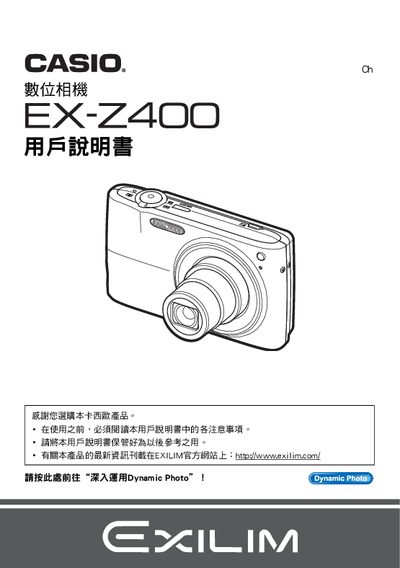
This manual explains how to safely unpack, charge, and set up the EX‑Z400 camera, including important safety notices and warranty information. It also describes the basic functions, menu navigation, and how to use features such as auto‑focus, ISO settings, and image playback.
Detailed sections cover battery charging, USB and AV connections, image quality adjustments, printing via PictBridge, and troubleshooting tips for common issues. The guide also includes specifications and instructions for creating and sharing movies with Dynamic Studio. This manual is written in Japanese.
| Battery type | NP-40 rechargeable |
|---|---|
| Charger model | C-31L |
| LCD pixel yield | 99.99 % or higher |
Insert the NP‑40 rechargeable battery into the supplied charger (model C‑31L) and connect it to power.
Read the entire manual, charge the battery, and install the battery before turning the camera on.
Use the PictBridge compatible printer and select the print option from the camera’s menu.
Use the Dynamic Studio software to edit and export movies, then download the movie file via the provided URL.