
Casio EX-Z400 Digital Camera User's Guide

This is a user manual for a Canon camera
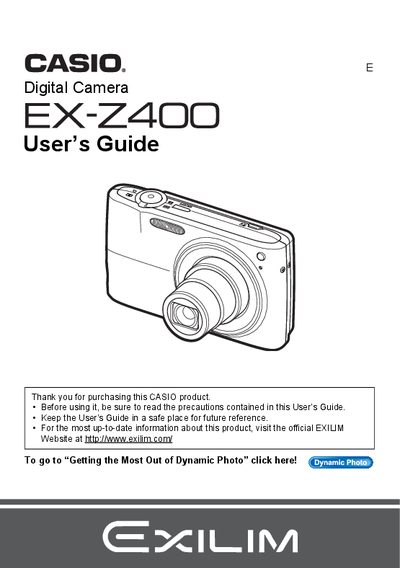

Casio EX-Z400 Digital Camera User's Guide - cover page
Brand
Casio
Category
Digital cameras
Document type
User Manual
Language
English
Pages
202
File format
PDF
File size
6.5 MB
Published
06 June, 2012
Updated
30 September, 2023
Model
EX-Z400
MD5 checksum
9AC31B8B460E01A8AE3E0A705DEEB409

About this manual

This manual provides instructions for using the Casio EX-Z400 digital camera. It covers unpacking the device, charging the NP-40 battery, and configuring basic settings such as image size, quality, and flash usage. The guide details how to shoot snapshots and movies, utilize features like Face Detection and BEST SHOT, and perform on-camera editing tasks including red-eye correction and movie trimming.

What's inside

  • Unpacking
  • Configuring Basic Settings
  • Snapshot Shooting
  • Recording Movie Images
  • Using BEST SHOT
  • Advanced Settings
  • Viewing Snapshots and Movies
  • Printing
  • Using the Camera with a Computer
  • Specifications

Frequently asked questions

What items are included in the camera box?

The package includes a rechargeable lithium ion battery (NP-40), a charger unit (BC-31L), a power cord, a USB cable, an AV cable, and a CD-ROM.

What happens if the LCD panel shows small dark or lit pixels?

This is normal because the liquid crystal panel provides a pixel yield in excess of 99.9%, meaning some very small number of pixels may not light or remain lit.

What should you do before shooting your final image?

You must shoot a test shot to ensure that the camera is recording correctly.

Download PDF (6.5 MB)

More Casio Manuals


View all Casio manuals →