
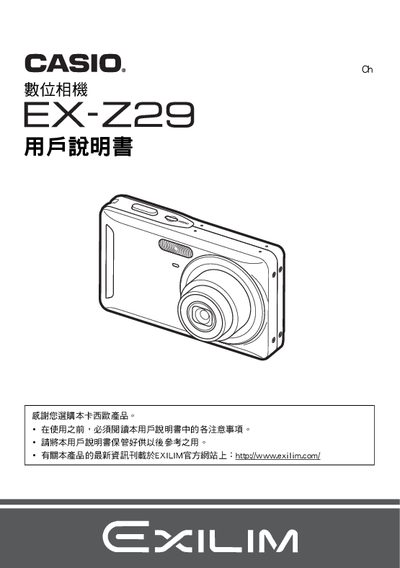
This manual begins with safety notices and a checklist of items included in the package, such as the camera body, NP‑60 rechargeable lithium‑ion battery, BC‑60L charger, USB and AV cables, and a CD‑ROM with reference material. It explains how to verify the contents, install the battery, and connect accessories before first use.
The guide then covers the camera’s functions, including Quick Start, Best Shot modes, ISO and white‑balance settings, image quality adjustments, printing via PictBridge, and various system settings such as date/time, language, and power‑saving options. Appendices provide detailed specifications for the battery and charger, as well as regulatory information. This manual is written in Japanese.
| Battery rated voltage | 3.7 V |
|---|---|
| Battery capacity | 720 mAh |
| Battery operating temperature | 0 °C – 40 °C |
| Battery dimensions (Ø × H × D) | 37.9 mm × 42.3 mm × 5.0 mm |
| Battery weight | ≈18 g |
| Charger input voltage | 100 V – 240 V AC, 80 mA, 50/60 Hz |
| Charger output | 4.2 V DC, 600 mA |
| Charging time | ≈90 minutes |
| Charger dimensions (W × H × D) | 60 mm × 20 mm × 86 mm |
| Charger weight | ≈62 g |
Verify that the camera, NP‑60 rechargeable battery, BC‑60L charger, USB cable, AV cable, and CD‑ROM are all present.
Charging the NP‑60 battery takes about 90 minutes.
Yes, the camera supports PictBridge printing when connected to a compatible printer.