
This document explains the contents of the EXILIM camera package, product features, and instructions for use
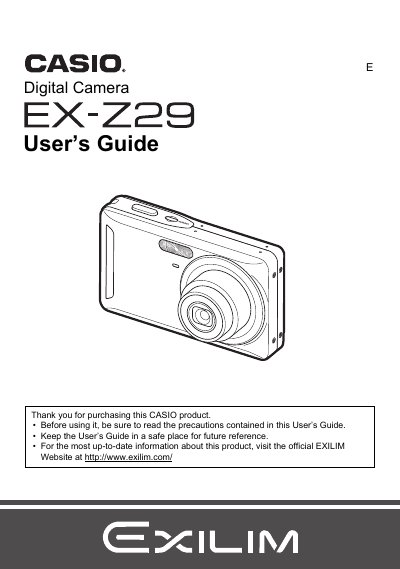
This document is the official User's Guide for the Casio EX-Z29 digital camera. It provides comprehensive instructions on unpacking the device, charging the NP-60 battery, and configuring initial settings such as date/time and language.
The guide details how to operate the camera in various modes including Snapshot, Movie recording, and BEST SHOT. It covers advanced features like Face Detection, Anti Shake, ISO sensitivity adjustment, and White Balance control. Additionally, it explains how to view images on a TV screen, transfer files to a computer via USB or Eye-Fi cards, and print photos using DPOF.
| Battery Type | Rechargeable lithium ion battery (NP-60) |
|---|---|
| Charger Model | BC-60L |
| Battery Capacity | 720 mAh |
| Charging Time | 90 minutes |
The camera requires a Rechargeable lithium ion battery (NP-60).
It takes 90 minutes to fully charge the NP-60 battery using the BC-60L charger.
Yes, you can connect directly to a PictBridge compatible printer or use DPOF to specify images for printing.