
This document is the user manual for Casio products, which includes precautions before use, a list of accessories, and the characteristics of the LCD panel. Users are reminded to take test photos before shooting to ensure the normal operation of the camera.
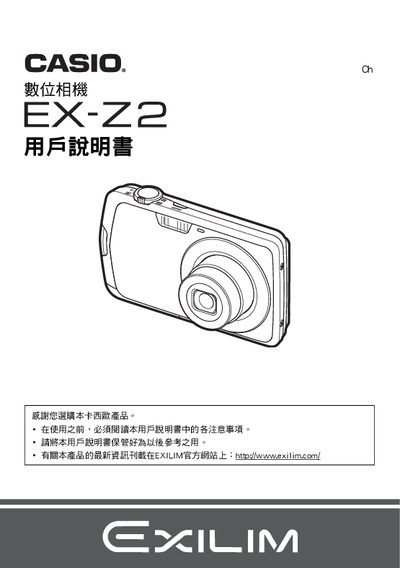
This manual guides users through unpacking, battery installation, charging, and connecting the EX‑Z2 camera to a computer or printer. It also explains basic shooting functions, image settings, and advanced features such as Best Shot, HDR, and eye‑detect.
Additional sections cover memory card management, USB/AV connections, PictBridge printing, and troubleshooting tips. Safety notices and warranty information are included at the end of the document. This manual is written in Japanese.
| Battery voltage | 3.7 V |
|---|---|
| Battery capacity | 700 mAh |
| Charging time | 100 minutes |
| Charger input voltage | 100‑240 V AC, 50/60 Hz |
| Charger output voltage | 4.2 V DC, 550 mA |
Charging the battery with the BC‑80L charger takes about 100 minutes.
Use the supplied USB cable to connect the camera to a computer for file transfer.
Select images for DPOF printing and use a PictBridge‑compatible printer.