
This is a user manual that introduces the operation method of CASIO EXILIM EX-Z1000 digital camera
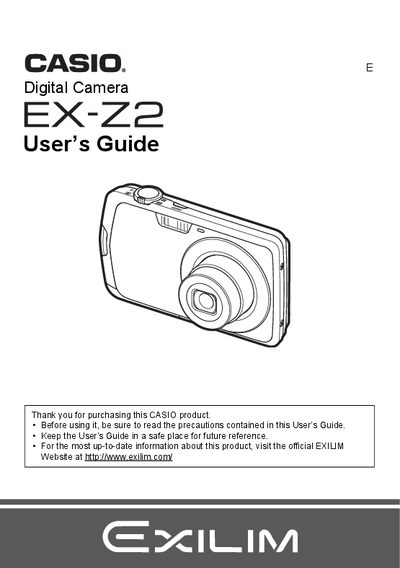
This manual provides comprehensive instructions for operating the Casio EX-Z2 digital camera. It covers initial setup steps such as charging the NP-80 battery and loading a memory card, along with basic operations like turning the camera on and off. The guide details how to capture snapshots and movie images using various settings including face detection, anti-shake, and zoom controls.
| Battery Rated Voltage | 3.7V |
|---|---|
| Battery Rated Capacitance | 700 mAh |
| Charger Input Power | 100 to 240 V AC, 80 mA, 50/60 Hz |
| Charger Charging Time | 100 minutes |
The package includes a rechargeable lithium ion digital camera battery (NP-80).
It takes approximately 100 minutes to fully charge the NP-80 battery using the BC-80L charger.
The camera should be operated within a temperature range of 0 to 40°C (32 to 104°F).