
This document is the user manual of CASIO EXILIM EX-Z150 digital camera
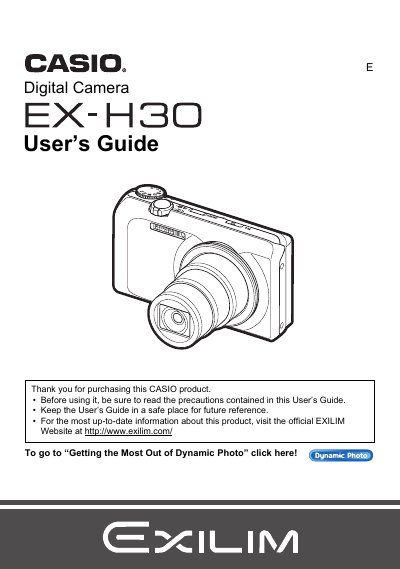
The Casio EX-HS is a digital camera designed for capturing snapshots and recording movies. This guide explains how to unpack the device, charge the NP-130 battery, and prepare a memory card for use. It details various shooting features including Auto Focus, Face Detection, Super Resolution Zoom, and BEST SHOT modes for specific scenes like ID photos or business cards.
The manual also covers playback functions such as viewing images on the LCD screen or TV, editing movies, and using Dynamic Photo to insert subjects into stills. Additionally, it provides instructions for connecting the camera to Windows or Macintosh computers to transfer files and manage media.
| Battery Type | Rechargeable lithium ion battery (NP-130) |
|---|---|
| Charger Unit | BC-130L |
The manual lists 'Supported Memory Cards' as a section but does not specify the exact types in the provided text.
You can enable Eco Mode to save power, though specific steps are detailed later in the guide under 'Enabling Power Saving'.