
Key facts
- Brand
- Casio
- Model
- EX-FH25
- Category
- Digital cameras
- Industry
- Electronics
- Documents
- 3
- Languages
- EN · JA
- Last added
- 2012-06-05
Start here
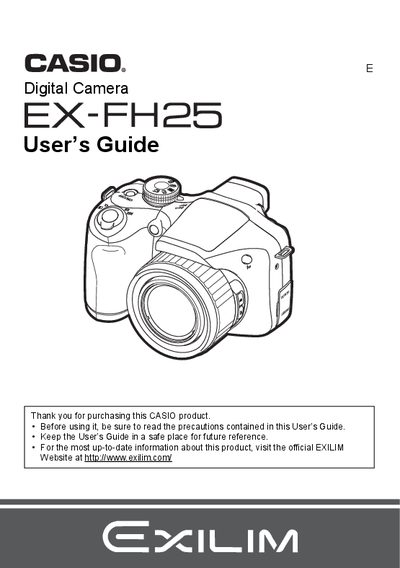
Casio EX-FH25 Digital Camera User's Guide
This manual provides instructions for using the Casio EX-FH25 digital camera. It begins with unpacking checks and initial setup, including battery installation and memory card preparation. The guide details how to turn the camera on and off, hold it correctly, and take test shots before recording final images.
Read onlineAll Casio EX-FH25 documents by type
Day-to-day operation, settings and troubleshooting. Start here if the product is already set up.
Questions answered in these manuals
What items are included in the camera box?
The package includes Alkaline batteries (4 AA-size), a digital camera strap, lens cap/cap holder, USB cable, AV cable, CD-ROM Basic Reference, and the User's Guide.
Where can I find up-to-date information about this product?
You should visit the official EXILIM Website at http://www.exilim.com/ for the most current information.
What is the pixel yield of the LCD panel?
The liquid crystal panel employs high-precision technology that provides a pixel yield of 99.99%.
What batteries are included with the camera?
The package includes Alkaline batteries, specifically 4 AA-size batteries.