
This document is a user manual for CASIO digital cameras, which introduces the precautions for using the product, the list of accessories, the characteristics of the LCD panel, and taking a few test shots before shooting the final image.
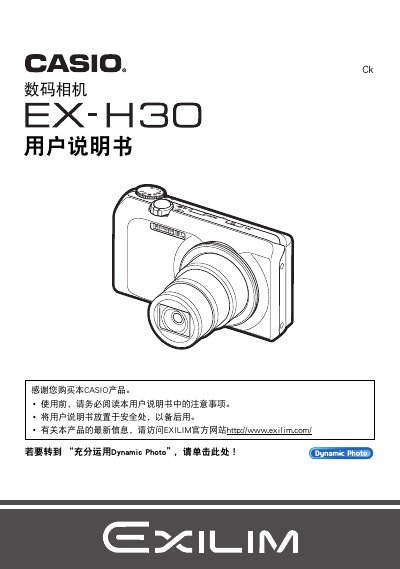
This manual explains how to unpack the camera, install the battery (NP‑130) and charger (BC‑130L), and perform the initial setup such as formatting the internal memory. It also covers the various shooting modes, image settings, and the Dynamic Photo feature.
Additional sections describe how to print photos directly via PictBridge, manage files, use accessories like Eye‑Fi, and troubleshoot common issues. This manual is written in Japanese.
| Charger model | BC-130L |
|---|---|
| Maximum image resolution | 640×480 pixels |
Select the format option in the menu to format the internal storage.
Yes, the camera supports direct printing via a PictBridge‑compatible printer.
Connect the camera to a PC using the USB interface or use Eye‑Fi for wireless transfer.