
This document provides instructions and precautions for using CASIO digital cameras, as well as information on product accessories and features.
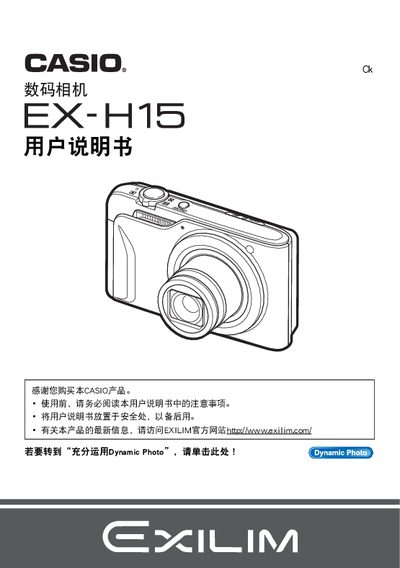
This manual covers safety precautions, packaging contents, and initial setup for the EX-H15 camera, including battery installation (NP‑90) and charger (BC‑90L). It explains how to configure basic settings such as image size, ISO sensitivity, focus area, and various shooting modes like BEST SHOT and Dynamic Photo.
The guide also details playback functions, printing via PictBridge, transferring images to a PC or mobile device, and troubleshooting steps. Additional features such as Eye‑Fi wireless transfer, video playback, and using the Dynamic Studio software are described toward the end of the document. This manual is written in Japanese.
| Maximum image resolution | 640 x 480 pixels |
|---|---|
| Pixel defect pass rate | 99.99% pass rate |
Use the format (initialization) function described in the manual to reset the internal storage.
Connect the camera to a PC via the USB port as explained in the USB connection section.
Yes, the camera supports direct printing using a PictBridge‑compatible printer.
Dynamic Photo allows you to edit and share photos using the EXILIM Dynamic Studio software.