
This document is the user manual for Casio products, which introduces the precautions before use and the accessories of the product. It also mentions the characteristics of the LCD screen and the shooting function of the camera.
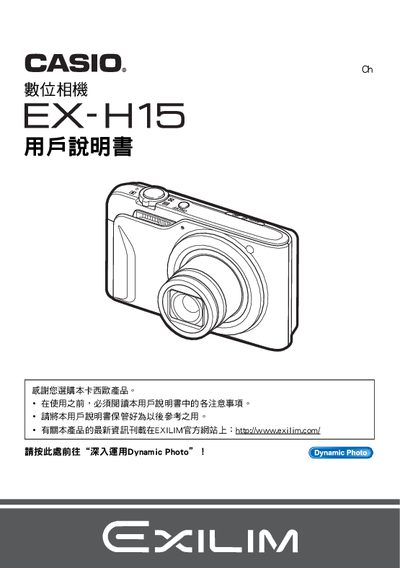
This manual begins with instructions for opening the camera package and checking that all items, such as the NP‑90 rechargeable battery, C‑90L charger, USB and AV cables, are present. It then guides the user through powering the camera on, charging the battery, and basic handling techniques.
Subsequent sections cover the various shooting modes, image quality adjustments (ISO, white balance, exposure compensation), playback functions, and how to transfer or print images using USB, PictBridge, or the Dynamic Photo software. Additional topics include date/time settings, language selection, and using the Dynamic Photo service to create animated photo files. This manual is written in Chinese.
| Battery type | NP-90 rechargeable battery |
|---|---|
| Charger model | C-90L charger |
| LCD pixel pass rate | 99.99% pixel yield |
| USB connectivity | USB cable included |
Insert the NP‑90 rechargeable battery into the C‑90L charger to charge it.
Access the date/time setting menu to adjust the camera’s clock and date format.