
Key facts
- Brand
- Casio
- Model
- 150CR
- Category
- Office Equipment
- Industry
- Computers
- Documents
- 2
- Languages
- EN
- Last added
- 2012-05-05
Start here
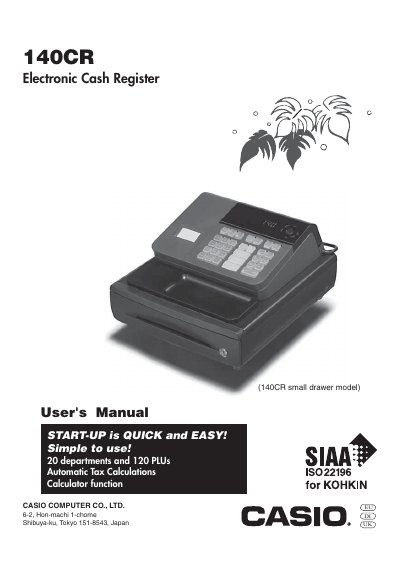
CASIO 150CR Manual
This manual introduces the Casio 140CR electronic cash register, covering safety precautions, power requirements, cleaning guidelines, and proper handling. It explains how to install the unit, connect it to a suitable AC outlet, and maintain the printer and power cord safely.
The guide details the operation of the register, including the mode switch functions, daily job flow, programming basics, and troubleshooting steps. It also lists specifications such as power supply range, display capacity, and drawer type, and provides instructions for ink roll replacement and drawer release.
Casio 150CR specifications
| Power supply voltage | 120V‑240V, 50/60Hz |
|---|---|
| Display capacity | 8 digits |
| Model type | 140CR small drawer model |
Source: CASIO 150CR Manual
All Casio 150CR documents by type
Day-to-day operation, settings and troubleshooting. Start here if the product is already set up.
Questions answered in these manuals
How do I set the date format and monetary mode?
Use the "Select the Date Format and Monetary Mode" section of the manual.
Where can I find troubleshooting information?
The troubleshooting procedures are listed in the "Troubleshooting" section near the end of the manual.
What should I do if the cash drawer does not open?
Pull the drawer release lever; if the drawer is locked with a lock key, unlock it first.
From: CASIO 150CR Manual
How do I replace the ink roll?
Turn the register to OFF mode, remove the printer cover, lift the ink roll tab, install a new roll, and replace the cover.
From: CASIO 150CR Manual