
Key facts
- Brand
- Casio
- Model
- EX-FH20
- Category
- Digital cameras
- Industry
- Electronics
- Documents
- 5
- Languages
- EN · JA · ZH
- Last added
- 2012-06-05
Start here
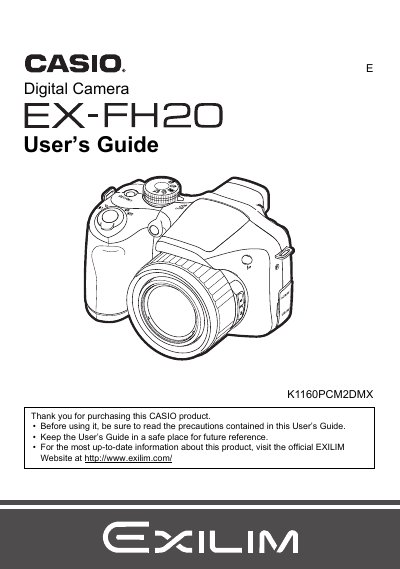
Casio EX-FH20 Digital Camera User's Guide
This manual provides instructions for using the Casio EX-FH20 digital camera. It covers initial setup steps such as loading batteries, attaching the strap, and preparing a memory card. The guide details how to operate the control panel, select exposure modes, adjust settings like ISO and white balance, and use various shooting features including optical zoom, continuous shutter, and BEST SHOT scenes.
Read onlineCasio EX-FH20 specifications
| Power consumption | 60 VDC, approx. 9.0 W |
|---|---|
| Dimensions (W×H×D) | 122.6 mm × 81.4 mm × 84.5 mm |
| Weight | ≈483 g (without battery) |
| Battery type | AA‑size batteries |
All Casio EX-FH20 documents by type
Day-to-day operation, settings and troubleshooting. Start here if the product is already set up.
Questions answered in these manuals
What items are included in the camera package?
The package includes Alkaline batteries (4 AA-size batteries), a digital camera strap, lens cap/cap holder, USB cable, AV cable, CD-ROM Basic Reference, and an Ons item.
What is the pixel yield of the LCD panel?
The liquid crystal panel used for the monitor screen and viewfinder employs high-precision technology that provides a pixel yield of 99.99%.
What items are included in the camera package?
The package includes Alkaline batteries (4 AA-size batteries), a digital camera strap, lens cap/cap holder, USB cable, AV cable, CD-ROM Basic Reference, and an Ons.
What is the pixel yield of the LCD panel?
The liquid crystal panel used for the monitor screen and viewfinder employs high-precision technology that provides a pixel yield of 99.99%.
How do I turn the EX-FH20 camera on and off?
Press the power button to open or close the camera’s power.
What kind of batteries does the EX-FH20 use?
The camera uses AA‑size batteries.