
Casio EX-FH25 Digital Camera User Manual

This manual introduces the basic functions and operations of the CASIO digital camera.
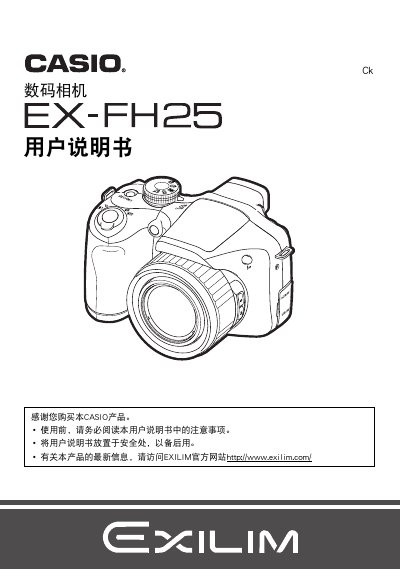

Casio EX-FH25 Digital Camera User Manual - cover page
Brand
Casio
Category
Digital cameras
Document type
User Manual
Language
Chinese
Pages
192
File format
PDF
File size
4.8 MB
Updated
30 September, 2023
Model
EX-FH25
MD5 checksum
54F9A8434464A4108F964E01FB5C6B05

About this manual

This Casio EX-FH25 digital camera user manual explains how to prepare and operate the camera, including checking the package contents, turning the camera on and off, holding it, shooting still images, and reviewing photos.

It also covers recording movies, BEST SHOT modes, playback and editing, connecting to Windows or Macintosh computers, using Eye-Fi memory cards, camera settings, troubleshooting messages, and product specifications. This manual is written in Chinese.

What's inside

  • Quick Start Guide
  • Taking still images
  • Recording movies
  • BEST SHOT
  • Playback
  • Using with a computer
  • Other settings
  • Appendix
  • Troubleshooting
  • Specifications

Frequently asked questions

Who manufactures the Casio EX-FH25 digital camera?

It is manufactured by CASIO COMPUTER CO., LTD. in Tokyo, Japan.

What are the dimensions of the Casio EX-FH25 camera?

The dimensions are 122.6 (W) x 81.4 (H) x 84.5 (D) mm.

What is the weight of the Casio EX-FH25 camera with battery and memory card?

The weight is 577 g (including battery and memory card).

Download PDF (4.8 MB)

More Casio Manuals


View all Casio manuals →