
Casio K1160PCM2DMX Digital Camera User Manual, introduces the camera's features and characteristics and how to use it
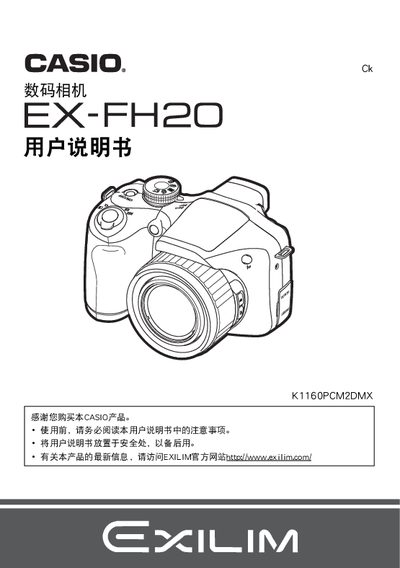
This user manual covers the Casio EX-FH20 digital camera. It includes package checks, initial setup, battery and memory card preparation, camera power on/off, snapshot shooting, movie recording, BEST SHOT, advanced settings, and playback.
The manual also describes printing, using the camera with Windows and Macintosh computers, other settings, monitor screen settings, troubleshooting, display messages, approximate shooting counts and movie recording time, and specifications. This manual is written in Chinese.
| Power consumption | 6.0V DC, approx. 9.0 w |
|---|---|
| Dimensions | 122.6 (W) x 81.4 (H) x 84.5 (D) mm |
| Weight | Approx. 483 g |
Check that the listed package items are complete.
Perform a test shot to confirm the camera can shoot normally.
Format (initialize) the new memory card.
The camera can be connected directly to a PictBridge-compatible printer.