
This document is the user's guide for the CASIO digital camera K1160PCM1DMX. The guide includes information about product precautions, unpacking checklist, and contact details.
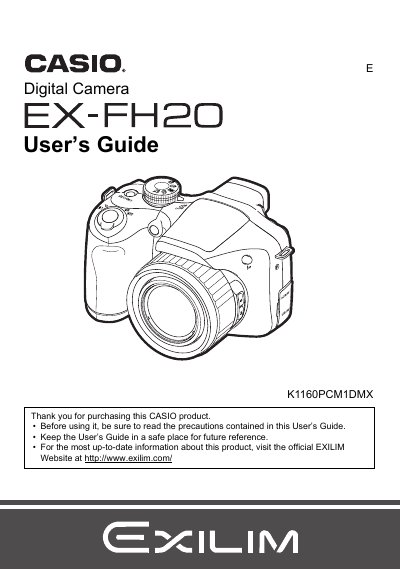
The Casio EX-FH20 is a digital camera designed for capturing snapshots and high-definition movies. This User's Guide explains how to unpack the camera, load batteries, prepare memory cards, and turn the device on and off. It details snapshot shooting modes, including optical zoom, continuous shutter, and various scene-specific settings like Best Shot and High Speed Night Scene.
| Pixel Yield | 99.99% |
|---|
The package includes Alkaline batteries (4 AA-size batteries), a digital camera strap, lens cap/cap holder, USB cable, AV cable, CD-ROM Basic Reference, and an Ons.
The liquid crystal panel used for the monitor screen and viewfinder employs high-precision technology that provides a pixel yield of 99.99%.
Before shooting your final image, shoot a test shot to ensure that the camera is recording correctly.