
This document describes the features and characteristics of the Casio digital camera K1160PCM2DMX.
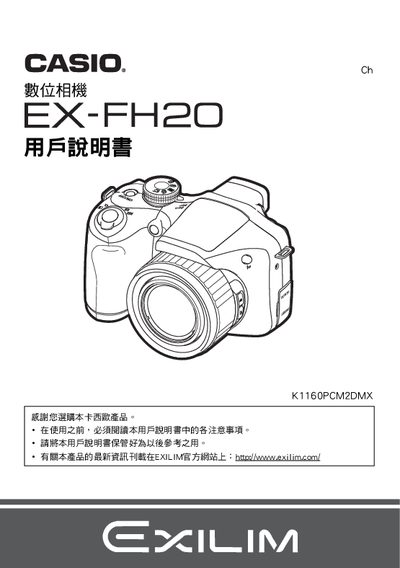
This manual explains how to unpack the EX-FH20, check the included items, install AA‑size batteries, and connect the USB and AV cables. It also contains safety notices and warranty information.
The guide covers camera power‑on/off, shooting modes, auto‑focus, high‑speed continuous shooting, playback, image settings, PictBridge printing, USB communication, and date/time configuration, with detailed step‑by‑step instructions and troubleshooting tips. This manual is written in Chinese.
| Power consumption | 60 VDC, approx. 9.0 W |
|---|---|
| Dimensions (W×H×D) | 122.6 mm × 81.4 mm × 84.5 mm |
| Weight | ≈483 g (without battery) |
| Battery type | AA‑size batteries |
Press the power button to open or close the camera’s power.
The camera uses AA‑size batteries.
Yes, the camera supports PictBridge‑compatible printers via the USB connection.
The camera weighs about 483 g, not including batteries.