
Key facts
- Brand
- SONY
- Model
- SR47E
- Category
- Camcorders
- Industry
- Electronics
- Documents
- 2
- Languages
- JA · ZH
- Last added
- 2012-05-10
Start here
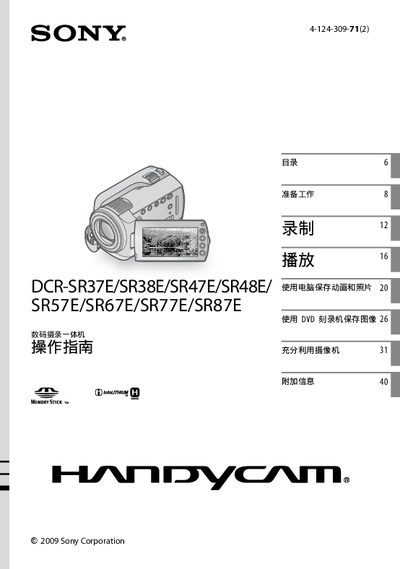
Sony Handycam DCR-SR37E/DCR-SR38E/DCR-SR47E/DCR-SR48E/DCR-SR57E/DCR-SR67E/DCR-SR77E/DCR-SR87E User Manual
The manual begins with safety precautions, warning users to avoid fire hazards, moisture, and improper battery handling. It stresses using only original Sony batteries and chargers, and keeping the camera away from high temperatures.
Operational sections cover powering the device, using the CHG charging indicator, selecting the appropriate Memory Stick PRO Duo, and performing playback, recording, and menu functions. Additional information includes troubleshooting, specifications, and regulatory compliance details. This manual is written in Japanese.
SONY SR47E specifications
| Video format | MPEG2‑PS |
|---|---|
| Audio format | Dolby Digital 2‑ch |
| Internal hard‑disk capacity | 60 GB (SR37E/SR47E) – 80 GB (SR57E/SR67E/SR77E/SR87E) |
| CCD sensor size | 2.25 mm (1/8) for SR37E‑SR67E; 3.0 mm (1/6) for SR77E‑SR87E |
| LCD screen | 6.7 cm (2.7‑inch) diagonal, 16:9 aspect ratio |
| Power requirements | 6.8 V/7.2 V (battery) / 8.4 V (adapter) |
| Operating temperature | 0 °C to 40 °C |
Source: SONY DCR-SR37E/SR38E/SR47E/SR48E/SR57E/SR67E/SR77E/SR87E operating instructions
All SONY SR47E documents by type
Day-to-day operation, settings and troubleshooting. Start here if the product is already set up.
Questions answered in these manuals
Can I use non‑Sony batteries in the camera?
No, only original Sony batteries and chargers should be used.
What type of memory card does the camera accept?
The camera accepts Memory Stick PRO Duo cards.
How do I charge the battery?
Insert the battery, connect the power adapter, and the CHG indicator will light up; it turns off when charging is complete.
From: SONY DCR-SR37E/SR38E/SR47E/SR48E/SR57E/SR67E/SR77E/SR87E operating instructions
How can I change the screen language?
Use the menu to select the language option; see the “Change screen language” section (page 11).
From: SONY DCR-SR37E/SR38E/SR47E/SR48E/SR57E/SR67E/SR77E/SR87E operating instructions