
The HDR-SR11/SR12 User Manual is a manual published by Sony on the use of the HDR-SR11/SR12 model, which includes content such as safety warnings, pre-use reading, operation methods, and troubleshooting.
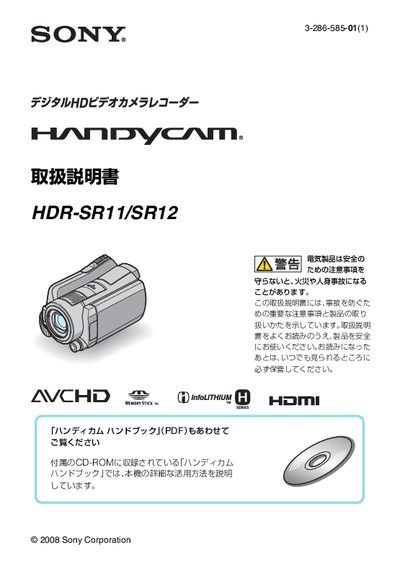
This manual explains the safety precautions required when using the HDR‑SR11/SR12 camcorder, including warnings about fire, injury, and proper handling of batteries and AC adapters. It also details the accessories that come with the camcorder and how to prepare the device before first use, such as charging the battery and setting the date/time.
The guide then covers everyday operation—recording video and still images, connecting to a TV, saving and deleting media, and using the included software on a computer. Troubleshooting advice, data‑preservation tips, and disposal instructions are provided to help keep the camcorder functioning safely. This manual is written in Japanese.
| Supported memory card type | Memory Stick PRO Duo (up to 8 GB) |
|---|---|
| Battery type | 専用の"インフォリチウム"バッテリー (Hシリーズ) |
| Charging time (approx.) | 約195分 |
Set the POWER switch to OFF (CHG), connect the AC adapter to the DC IN terminal, and the charging indicator will light until the battery is fully charged.
Use Memory Stick PRO Duo cards; the camcorder supports capacities up to 8 GB.