
This document is the operation manual for the Sony HDR-SR11E/SR12E digital HD camcorder, which introduces the features and characteristics of the product and how to use it
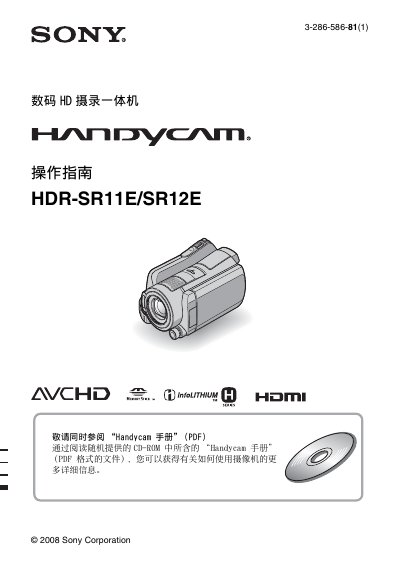
This guide explains how to safely set up and use the Sony HDR‑SR11E/SR12E camcorder. It covers required accessories, battery charging, memory‑card selection, language settings, and basic operation steps such as powering on, setting date and time, selecting media, recording, and playback. Safety warnings are included to prevent fire or electric‑shock hazards.
The manual also details advanced functions, indicator meanings, troubleshooting tips, and specifications of the camcorder and its accessories. Information on connecting the camcorder to a TV, using the supplied CD‑ROM software, and proper disposal or transfer of the device is provided. This manual is written in Chinese.
| Dimensions | 48 × 29 × 8 mm |
|---|---|
| Weight | 170 g |
| Storage Temperature | -20 °C to 160 °C |
| Battery Model | NP‑FH60 |
| Supported Memory Card | Memory Stick PRO Duo (up to 8 GB) |
The camcorder accepts Memory Stick PRO Duo cards; cards up to 8 GB are supported and can be identified by the “Memory Stick PRO Duo” marking.
Press the HOME button, then the SET button, and follow the on‑screen prompts to select the region, date, time, and daylight‑saving settings.