
SONY HDR-SR10EdigitalHD Videography all-in-one operating instructions

This is the operation manual for HDR-SR10E digital HD camcorder, which introduces how to use the camera's functions, including recording videos, taking pictures, and connecting to a computer.
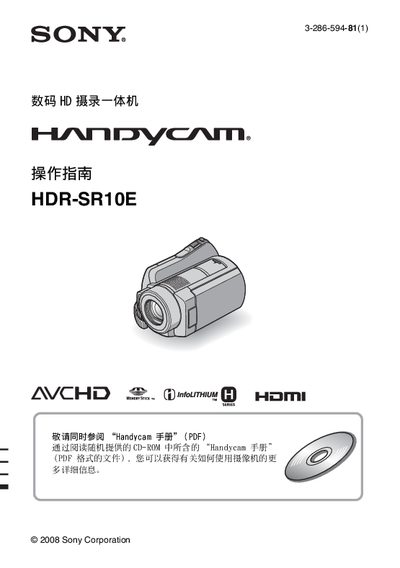

SONY HDR-SR10EdigitalHD Videography all-in-one operating instructions - cover page
Brand
SONY
Category
Camcorders
Document type
User Manual
Language
Chinese
Pages
32
File format
PDF
File size
2.4 MB
Published
12 March, 2012
Updated
30 September, 2023
MD5 checksum
8DB50B800C10A21EEF158195EB6AD53C

About this manual

This Sony operating instruction manual covers the HDR-SR10E camcorder. It explains how to charge the InfoLITHIUM battery pack, turn on the power, set the date and time, insert media, and record or play back video.

The manual also describes the names and functions of each part, computer connection and software installation, troubleshooting, and precautions for safe use. This manual is written in Chinese.

What's inside

  • Getting Started
  • Step 1: Charging the battery pack
  • Step 2: Turning on the power and setting the date and time
  • Step 3: Inserting media
  • Recording/Playback
  • Names and functions of parts
  • Using computer functions
  • Installing and viewing Handycam
  • Troubleshooting
  • Precautions

Specifications

Compatible memory cardMemory Stick PRO Duo

Frequently asked questions

What type of memory card is recommended for recording with this camcorder?

Use a 1 GB or larger Memory Stick PRO Duo.

What is the maximum capacity of Memory Stick PRO Duo that this camcorder supports?

Up to 8 GB of "Memory Stick PRO Duo" can be used.

What is the charging time for a fully discharged battery?

It takes approximately 185 minutes to fully charge a completely discharged battery.

What is the recording time for HD video with a fully charged battery?

The recording time for HD video is approximately 100 minutes.

Download PDF (2.4 MB)

More SONY Manuals


View all SONY manuals →