
Key facts
Start here
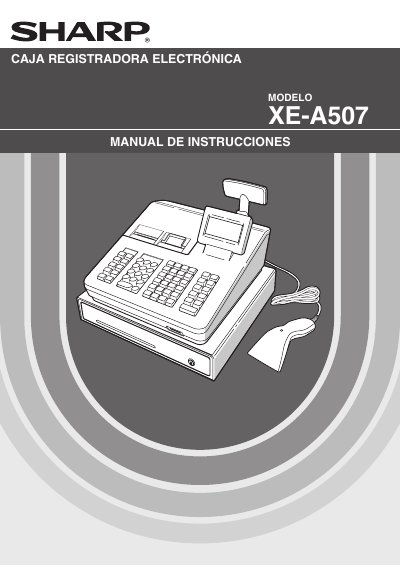
Sharp XE-A507 Cash Register User Manual
This manual provides instructions for the Sharp XE-A507 electronic cash register. It covers essential topics such as identifying parts, selecting operating modes, and entering transaction data including individual items, repeated entries, and price splits. The guide also details how to handle cash and credit sales, calculate taxes, and manage discounts or returns. This manual is written in Spanish.
Read onlineSharp XE-A507 specifications
| Operating System | Windows XP SP3, Windows Vista SP2, Windows 7 (32-bit/64-bit) |
|---|---|
| Display Resolution | 800 x 600 (SVGA) or higher |
| Color Depth | 16-bit High Color or higher |
| Runtime Environment | .NET Framework 3.5 or higher |
All Sharp XE-A507 documents by type
Day-to-day operation, settings and troubleshooting. Start here if the product is already set up.
Questions answered in these manuals
What is the purpose of the Customer Support Tool?
The tool allows you to read various setting data from the cash register via an SD memory card and change it on your computer.
Can I export sales data to QuickBooks?
Yes, you can import sales data from the cash register and export it via SD memory card to QuickBooks Pro.
What voltage is required to power the Sharp XE-A507 cash register?
The unit connects to a standard wall outlet providing 120V AC power.
How should the Sharp XE-A507 be cleaned?
Use a dry, soft cloth and never use solvents like gasoline or thinners.